


GB News
3.856.00 Reviews
App Specs
- Version
- Varies with Device
- Updated On
- License
- Free
- Downloads
- 1,000,000+
- Developer
- GB News
- Categories
- News & Magazines
- Platform
- Android, iOS
Screenshots
 Analysis by AppCompare
So, you've heard about GB News, right? It's the app everyone is buzzing about, and I decided to dive in and see what the fuss is all about. Spoiler alert: it's got a lot going on! Let me take you through my experience with it.
Getting Started with GB News
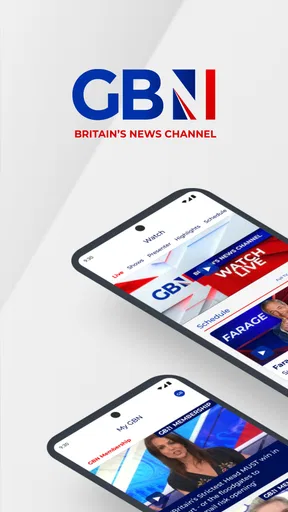
First things first, downloading GB News was a breeze. Whether you're team Android or iOS, both versions are available, making it super accessible. Once it's on your device, opening the app feels like stepping into a sleek news hub, complete with a straightforward interface that screams user-friendly.
The Interface and Experience
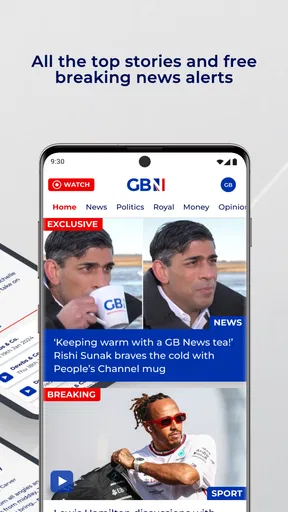
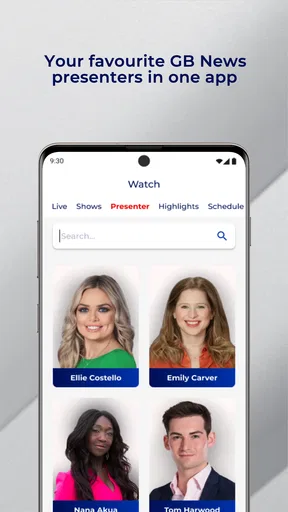
Now, let's talk about the layout. Everything is neatly organized, and finding your way around is easy-peasy. The menu is intuitive, with sections like "Breaking News," "Politics," "Entertainment," and more. It’s like having your personalized news channel right in your pocket.
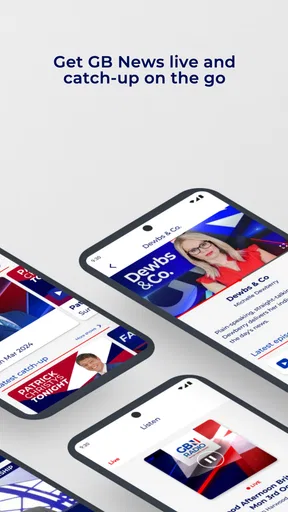
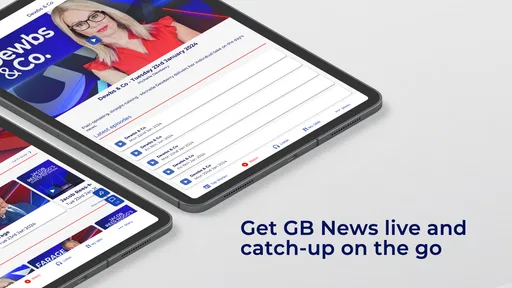
One thing I really appreciated is the live streaming feature. You can catch live broadcasts, which makes it feel like you’re plugged into the world in real-time. No more waiting for updates!
Content Variety
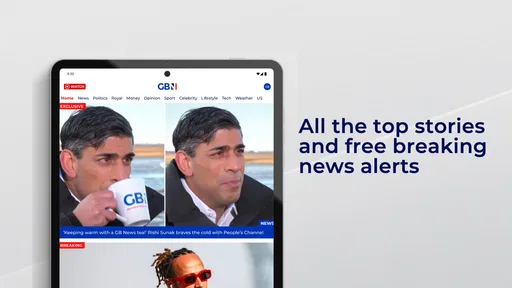
Content-wise, GB News does not disappoint. The app covers a wide range of topics, ensuring there’s something for everyone. Whether you're into hard-hitting political analysis or just want to keep up with celebrity gossip, they’ve got you covered. Plus, the quality of reporting is top-notch, with a nice mix of local and international stories.
The written articles are complemented by video content, and I must say, the video quality is excellent. It’s like having the best of both worlds—reading when you want to and watching when you're in the mood. Plus, those videos load quickly, which is a big plus in my book.
Customization and Notifications
Now, let’s get into one of my favorite features: customization. You can tailor your news feed to your interests, which means you get to see more of what you love and less of what you don’t. It’s a bit like having your own personal editor. And the notifications? Spot on. You’ll get alerts for major breaking news, but you can tweak settings to avoid being bombarded with updates.
Worth Reading Before You Choose

EA SPORTS FC Mobile 26 Is a Bigger Football Game, but It Takes Time

Flipboard Shows What News Apps Must Do Beyond the Feed

Switching to Android Auto Means Rethinking Your Driving Routine

Google Calendar Makes a Crowded Week Easier to Manage

Ludo King Makes the Most of the Minutes Between Plans

Baby Panda World Brings Quick Play to Modern Phones, but Its Game Library Feels Busy
User Interaction and Community
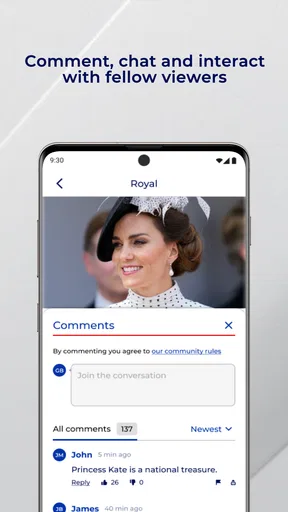
But wait, there’s more! GB News also encourages user interaction. You can comment on articles and join discussions, which makes it feel like a community rather than just a news app. It's nice to see what others think and engage in discussions, though sometimes things can get a bit heated in the comment section.
If you’re someone who likes to stay informed and enjoy a bit of social interaction, this feature might just be your cup of tea.
Wrapping It Up
So, what’s the final verdict? Honestly, GB News is a solid choice for anyone looking to keep up with the latest happenings. It’s user-friendly, packed with content, and offers a nice balance of text and video. Whether you're a news junkie or just a casual reader, this app is worth checking out.
Give it a try, and who knows? It might just become your go-to source for all things news. Happy reading!
Pros
- User-friendly interface with intuitive navigation.
- Access to live broadcasts and video clips.
- Customizable notifications for breaking news.
- Supports offline reading for convenience.
- Wide range of topics and categories available.
Cons
- Contains frequent ads that can be distracting.
- Limited options for personalization features.
- Occasional bugs causing app crashes.
- Requires a stable internet connection.
- Content updates can be delayed at times.
FAQs for GB News
What is GB News and what does it offer?
GB News is a news broadcasting app that provides a fresh perspective on current events in the UK and globally. The app offers live streaming of news segments, on-demand videos, and exclusive interviews. Users can also access a range of opinion pieces and expert analyses, making it a comprehensive source for staying informed.
Is GB News free to download and use?
Yes, GB News is free to download on both Android and iOS platforms. While the app itself doesn't charge for viewing basic content, there may be some features or premium content that require a subscription or in-app purchases. It's best to check the app store description for detailed pricing information before downloading.
Does GB News require an account to access its features?
While you can access a good amount of content without an account, creating a free account allows you to personalize your news feed, save articles for later, and receive tailored notifications. An account also enables participation in discussions and commenting on articles, enhancing the user experience.
Can I customize my news feed on GB News?
Yes, GB News allows users to customize their news feed according to their interests. You can select topics or categories you’re most interested in, ensuring you receive updates and news stories that matter to you. This feature helps in making your news consumption more relevant and efficient.
Does GB News offer offline access to content?
Currently, GB News does not support offline access for its video content, but you can save articles to read later when you are not connected to the internet. This feature is particularly useful for users who want to catch up on news during their commutes or in areas with limited connectivity.


